Music Career Platform

A Simple, Automated Link-in-Bio Page for Musicians

Give fans one clean place to preview your music, choose a streaming service, join your mailing list, and find your official links.

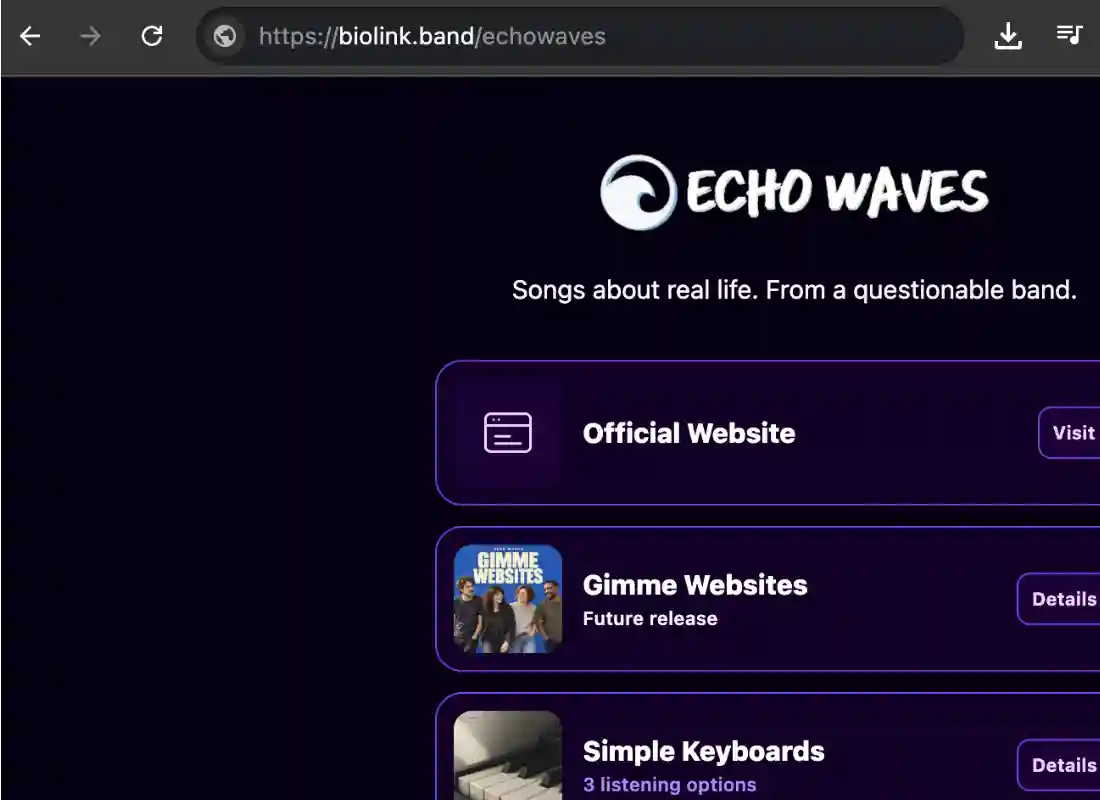
SongTakes link-in-bio page for musicians

Automatic

Your latest eligible releases appear automatically, or you can choose and order up to three featured songs.

Simple & Clean

A focused, mobile-first page gives fans your music and important links without clutter or unnecessary distractions.

Analytics

Track bio-page views, preview plays, streaming clicks, campaign traffic, and performance for individual songs.

Capture Fans

Collect fan emails and build direct connections that don't depend on social media algorithms.

Your Music Bio Page, Without the Upkeep

SongTakes turns the music and artist information you already manage into a focused page.

Your Latest Music Is Ready to Share Automatically

If you do not choose featured songs, SongTakes automatically displays your three latest eligible releases with artwork, preview audio, and available streaming links.

Release a new song in SongTakes and your bio page can stay current without rebuilding buttons or copying the same links into another service.
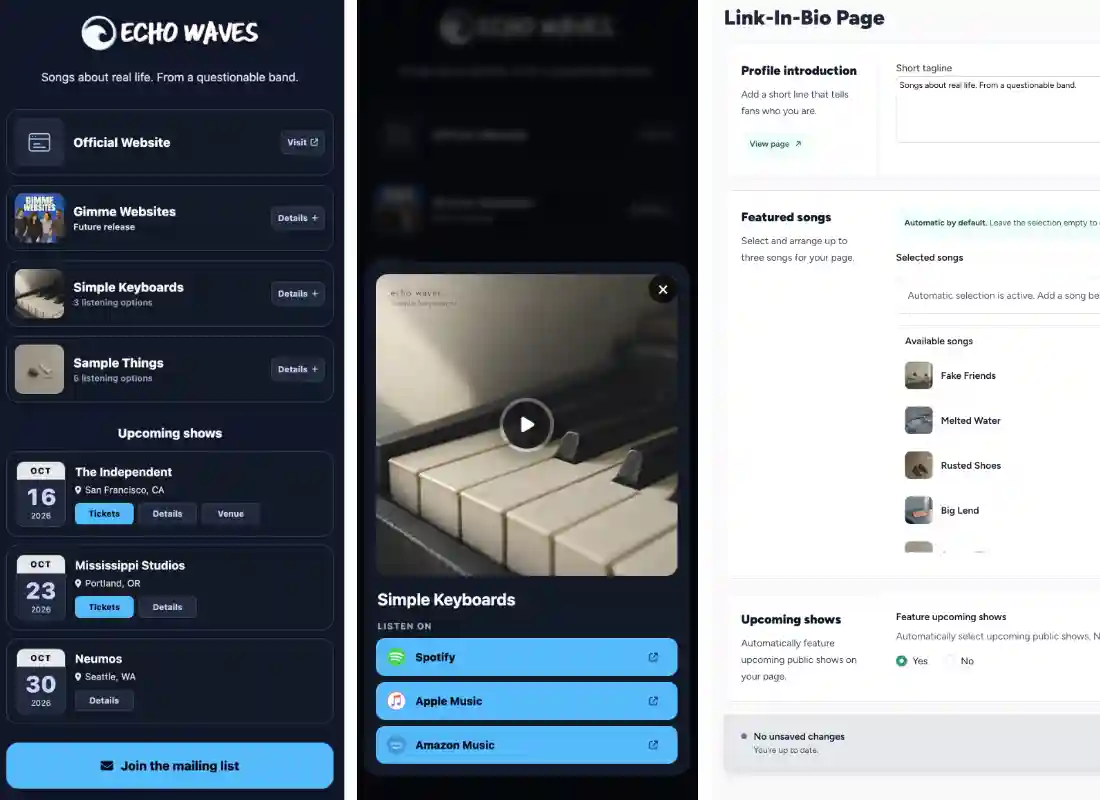
Automatic SongTakes link-in-bio music selection

A Clean Page That Keeps the Focus on Your Music

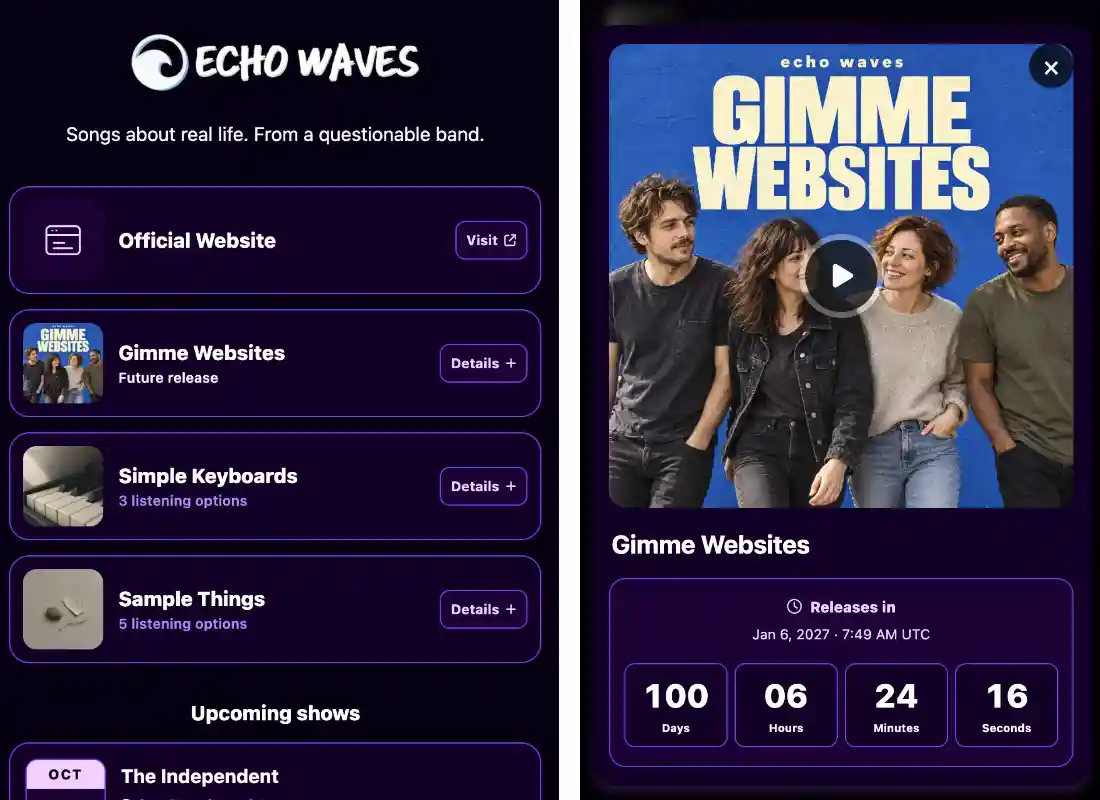
Fans see a fast, mobile-first page with your identity, tagline, official website, featured music, mailing-list signup, and social links.

Each song opens into a focused listening view with larger artwork, a sample player, and direct links to the streaming services you already added in SongTakes.

Clean mobile link-in-bio page for musicians

See What Fans Do After They Open Your Link

Measure page views, unique sessions, sample plays, and streaming-service clicks instead of guessing whether your bio traffic turns into meaningful interest.

Compare individual song activity, see which streaming platforms fans choose, and use UTM campaign details to understand where valuable visitors came from.

Link-in-bio analytics for musicians

Choose What Matters and Leave the Rest Alone

Add a short tagline and, when you want more control, select and arrange up to three songs using the same catalog you already manage in SongTakes.

Your page can also reuse your SongTakes website color palette and artist assets, helping your link page feel connected to the rest of your presence.

Simple link-in-bio controls for artists

An Artist-First URL on biolink.band/YOU

Your bio page keeps the attention on your music, identity, and fan connections versus encouraging visitors to create another account.

Each page uses your URL-friendly artist or band name, giving you a clean and recognizable link that fans can understand before they click.

Artist-first biolink.band URL

Stop Rebuilding the Same Music Links

Manage your music once in SongTakes and use it across your link-in-bio page, EPK, and band website.

Stevski7

“I test drove a few other band website and smart link tools, plus even tried my own WordPress site, but everything was either too time-consuming or too limited. SongTakes is more than just a website builder. It’s part of a bigger vision to truly support independent artists. And honestly, it’s really affordable too.”

— Stevski7

Frequently Asked Questions

What is a SongTakes link-in-bio page?

It is a focused, mobile-friendly page for sharing your music and most important artist links. Fans can preview featured songs, open their preferred streaming service, visit your official website, follow your social accounts, or join your mailing list from one URL hosted on biolink.band.

What makes the page automatic?

Your bio page uses music and artist information already stored in SongTakes. If you do not manually select songs, it displays your three latest eligible released songs automatically. Artwork, preview audio, and streaming destinations come from the song records you already manage, so you do not need to rebuild the page whenever your catalog changes.

Can I choose which songs are featured?

Yes. You can select and order up to three songs for your link-in-bio page. Once you make a manual selection, SongTakes uses only those chosen songs instead of the automatic latest-release list. You can return to automatic selection by clearing your manual choices.

Which streaming services can I link to?

You can use the streaming links available on your SongTakes song records, including services such as Spotify, Apple Music, Amazon Music, YouTube Music, YouTube, Deezer, Tidal, SoundCloud, Bandcamp, Audiomack, Anghami, and other supported destinations. Only links available for that song are shown to fans.

Do I need a SongTakes band website?

No. Your link-in-bio page can work as a standalone page on biolink.band. If you also use a SongTakes band website, the bio page can link to it and reuse its selected color palette so the two experiences feel visually connected.

What link-in-bio analytics are included?

SongTakes reports bio-page views, unique sessions, sample plays, streaming clicks, session engagement rates, and activity over time. You can also review performance for individual songs, see which streaming services receive clicks, and inspect UTM campaign, source, and medium details.

Can fans join my mailing list from the page?

Yes. The page can include a mailing-list call to action that lets interested fans submit their email address without leaving your bio page. This gives you a direct audience connection that does not depend entirely on a social platform or streaming algorithm.

Can I customize the design?

You can add your artist logo, favicon, short tagline, website, and social links through your SongTakes profile. If you have a SongTakes website with a selected color palette, the bio page uses that palette automatically. Otherwise, it uses a clean default design. No coding is required.